Support workflow
How to make a safe screenshot for a support ticket
Support teams need reproducible evidence, not your entire workspace. Preserve the error message, time, and affected control while removing data that does not help someone diagnose the problem.
Prepare a support screenshot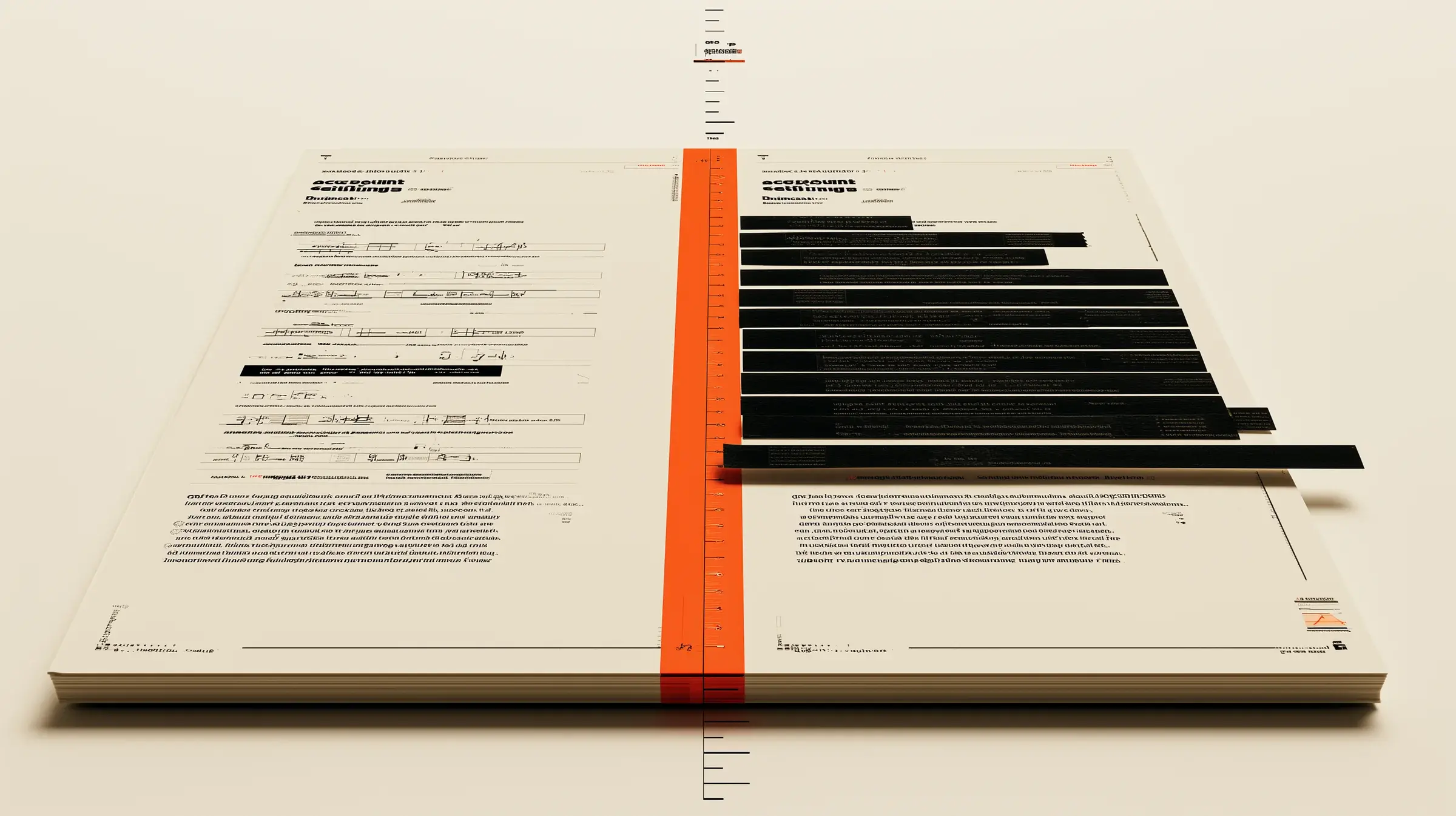
Practical workflow
A controlled four-step pass.
- 01
Capture the smallest useful region
Include the error, nearby field labels, and the state that triggered it. Exclude unrelated tabs, taskbars, inboxes, and team chat.
- 02
Preserve diagnostic context
Keep non-secret error codes, timestamps, browser or app version, and the exact failed step when those details help reproduce the issue.
- 03
Remove identities and secrets
Cover customer names, emails, tenant IDs, access tokens, request headers, payment details, and internal URLs. Use a solid block for credentials.
- 04
Attach the clean copy
Export a fresh PNG, verify it visually, and attach that file. If the ticket system previews an old image, remove it and upload again.
Before you share
- The error text and relevant control remain readable
- Customer and employee identities are removed
- Tokens, cookies, private URLs, and request headers are removed
- Unrelated browser tabs and desktop notifications are cropped out
- The clean PNG is attached instead of the source image
What this does not solve
- — Do not obscure information the support team explicitly needs; replace a sensitive value with a safe test value when possible.
- — Logs can contain secrets outside the visible screenshot. Review pasted text and attachments separately.
- — If a live credential appeared in any earlier ticket version, rotate it.
What support actually needs
A strong ticket pairs one minimal screenshot with written reproduction steps, expected behavior, actual behavior, and a timestamp. That is usually more useful than a full-screen capture with ambiguous annotations.
Keep correlation or request IDs only when the vendor confirms they are safe to share. Treat session IDs and authorization material as secrets unless documentation says otherwise.
Use synthetic values for a second attempt
If the issue can be reproduced with a test account or dummy record, capture that version. Redaction is still useful, but replacing real data before capture removes an entire class of risk.
Use the real tool