Privacy instrument / 001
Detect private details on your device, cover them permanently, and remove hidden image metadata before you share.
Local scan first
No account required
Nothing sent by default
The working instrument
Private work happens here.
Try the real product now. The first scan runs on your device; the optional AI review only starts after clear consent.
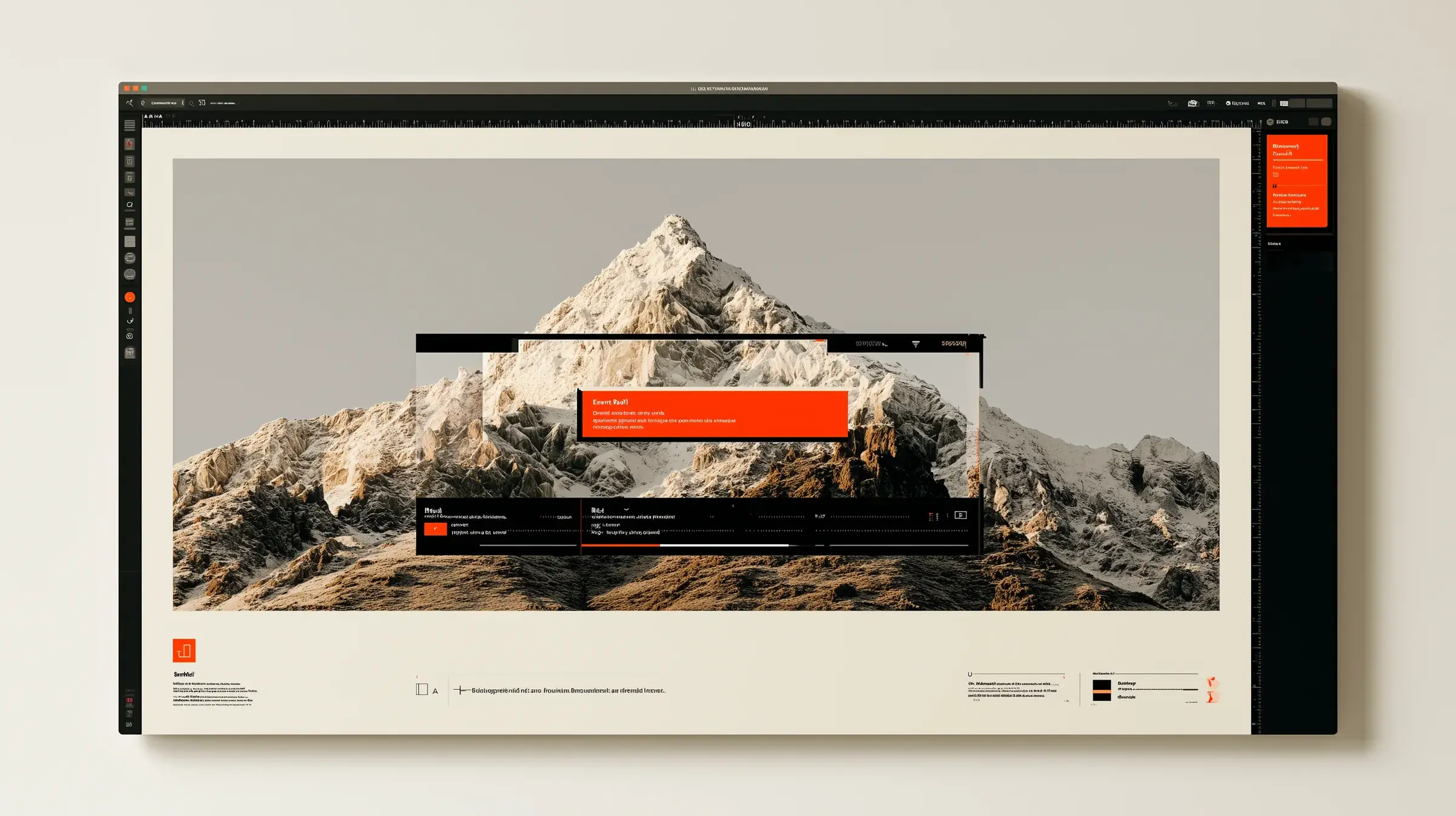
Privacy studio
Nothing uploads during local processing
English OCR loads first. Spanish is downloaded only if you select it. Later scans are faster.
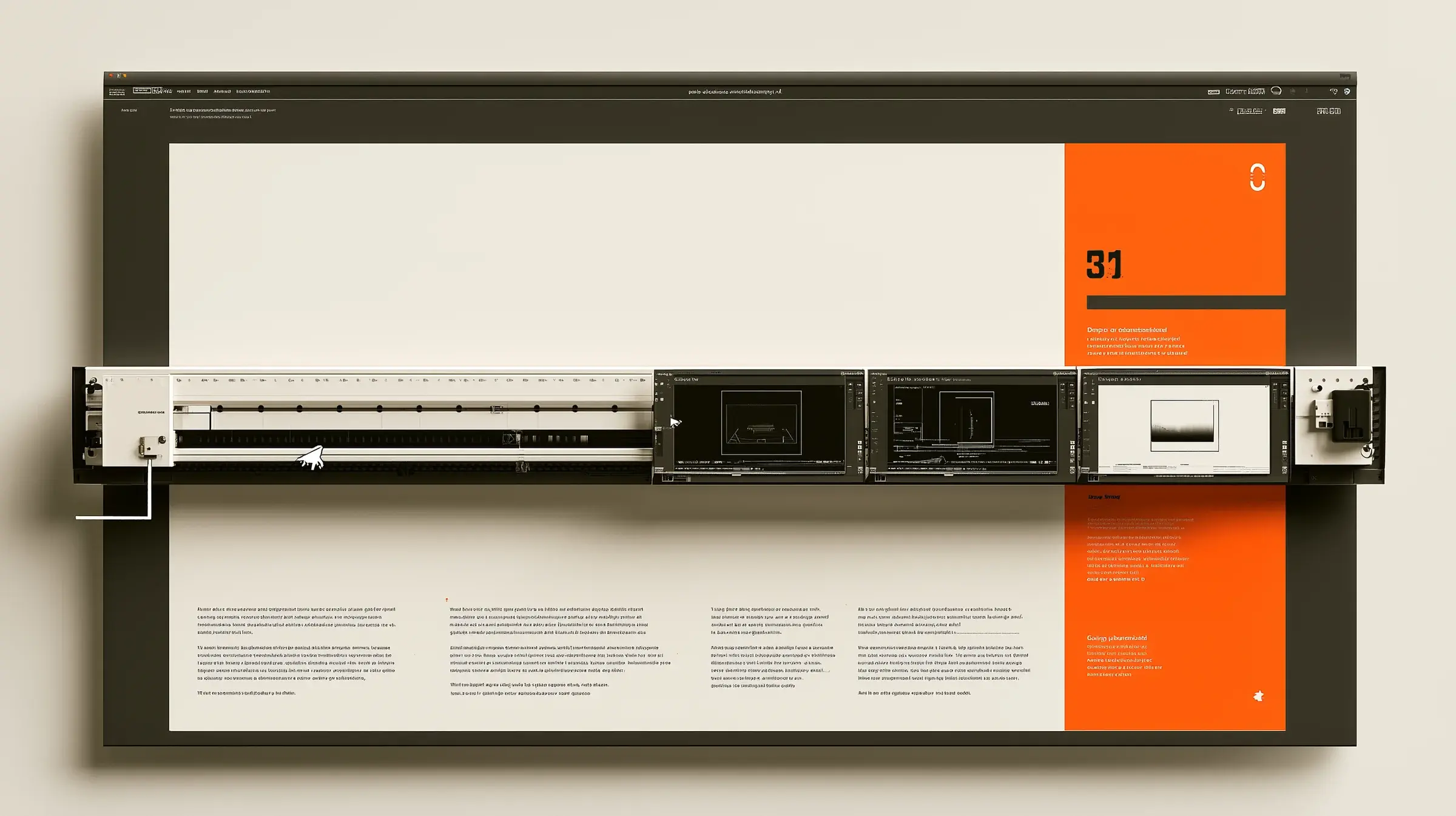
One controlled pass
Nothing disappears behind a magic button.
The scan suggests. You inspect. The export makes the decision permanent.
- 01
Drop or paste
Load a screenshot. It stays in your browser while the local scan runs.
- 02
Inspect every mark
Keep, remove, or draw a redaction. You make the final call.
- 03
Export clean pixels
Redactions are baked in and the original metadata is discarded.
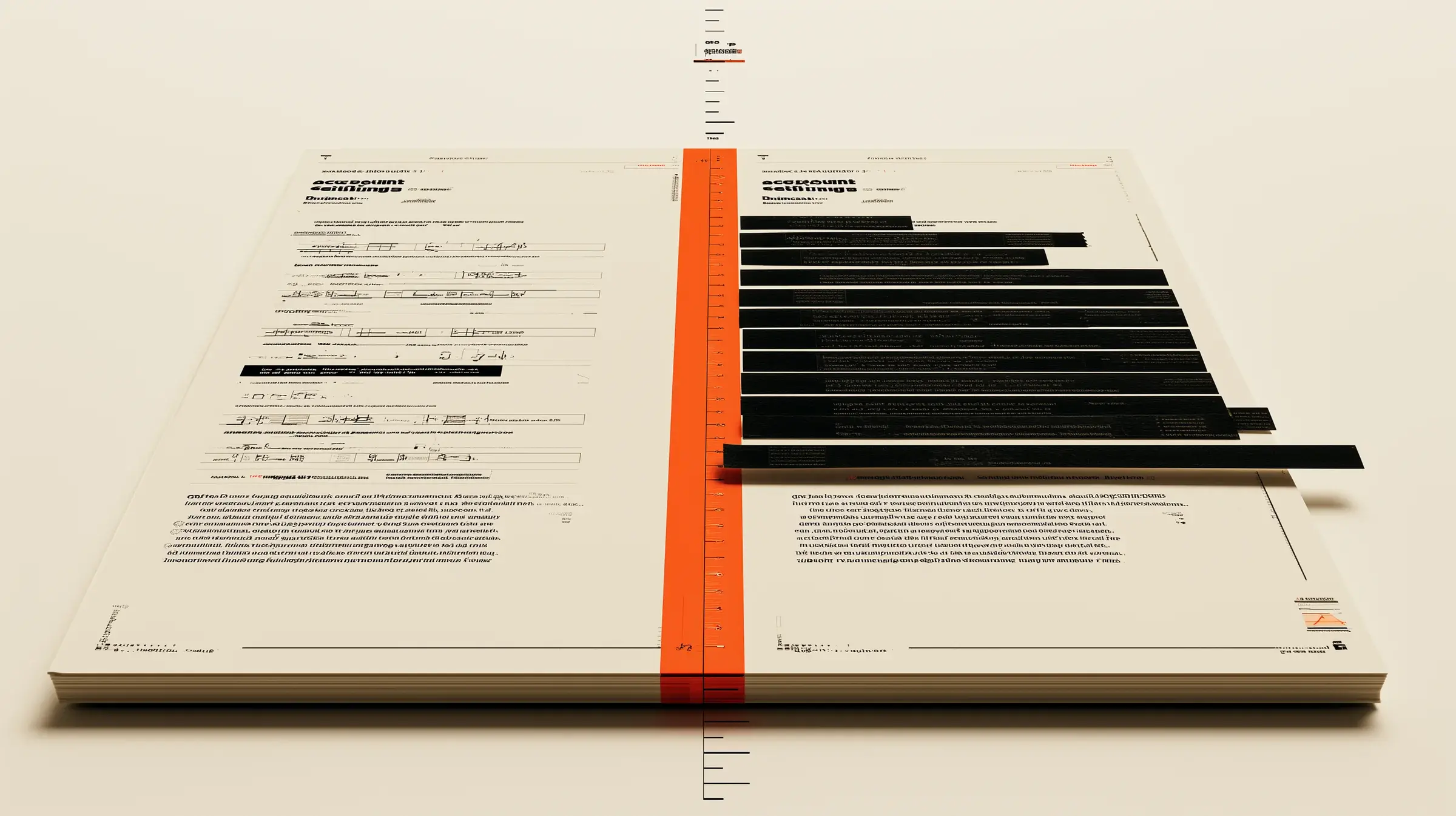
Proof, not decoration
Before is readable. After is shareable.
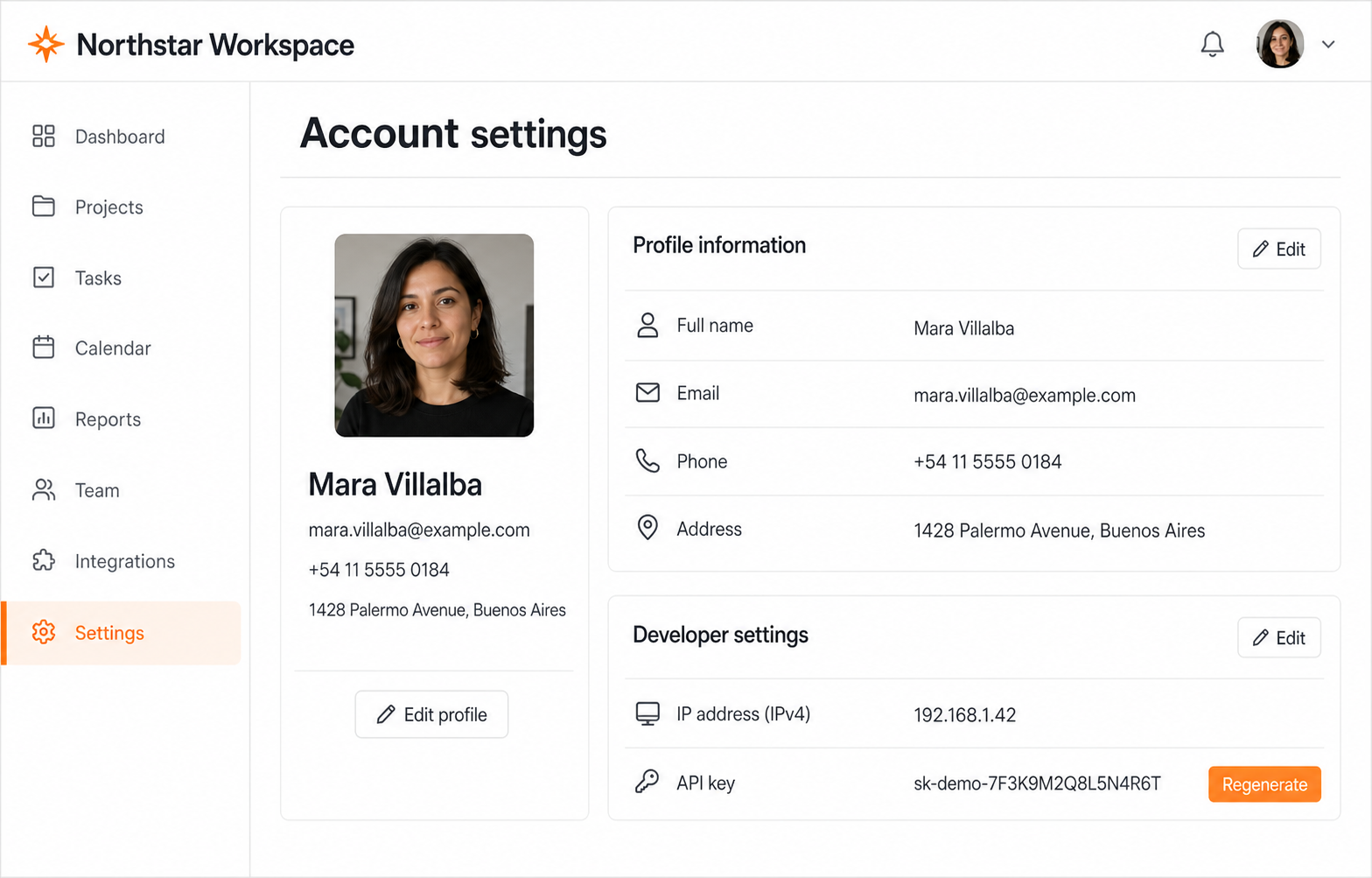
This comparison uses the same synthetic screenshot available in the live tool. Every black area lines up with a private value.
Focused tools
One privacy problem at a time.
Direct entry points for the jobs people need before sending a screenshot, receipt, form, or support thread.
Ready when the screenshot is
Check once. Share without the tiny panic.
Use the local scanner for free. Decide for yourself what stays visible.
Open the privacy studio